

Most conversations about AI automation security are aimed at the wrong target. The worry is usually a clever sentence that tricks the model into misbehaving. The duller and far more common exposure is a tool list that nobody argued about before it shipped.
An assistant with real access to your systems can go wrong in three places. It reads something it should never have seen. It acts when no human wanted the action. Or the thing fails quietly, and the failure wears the clothes of success. Each has a design answer, and not one of those answers is a policy document. They are decisions a developer makes in code, in an afternoon, before anything goes live.
What changed when your assistant grew hands
For a long time the AI assistant in your business was a conversation and nothing more. It read what you pasted and wrote something back. Nothing it produced touched a live system, so the worst outcome was a bad paragraph.
That has changed. According to the Model Context Protocol documentation, MCP is "an open-source standard for connecting AI applications to external systems", and the site compares it to a USB-C port for AI applications. Once the port exists, the assistant stops describing work and starts doing it.
The question then shifts from accuracy to authority. A wrong sentence is embarrassing. A wrong action is expensive, and my own view, going into the second half of 2026, is that far too many teams connect the port first and write down the approval rules afterwards. If the pieces are still fuzzy, start with my explainer on how MCP servers, skills and plugins actually work, then come back here.
Where does an AI assistant actually go wrong?
Three places, and only three: it reads a secret it should not have, it acts when no human wanted the action, or it fails where nobody is looking. AI automation security is the practice of settling all three before anything is connected, so that what the assistant may read, what it may do alone, and what it must ask permission for are written down rather than assumed.
Everything else is a variation on one of those three. The table below is what I would put in front of a developer at the start of the work, because the third column is the part an owner can check without reading any code.
Keeping secrets outside the assistant's reach
A well-built MCP server never hands its credentials to the model. The server holds the API key, the database password, the mail login. The assistant calls a tool, the server does the work with its own credential, and what comes back into the conversation is a result.
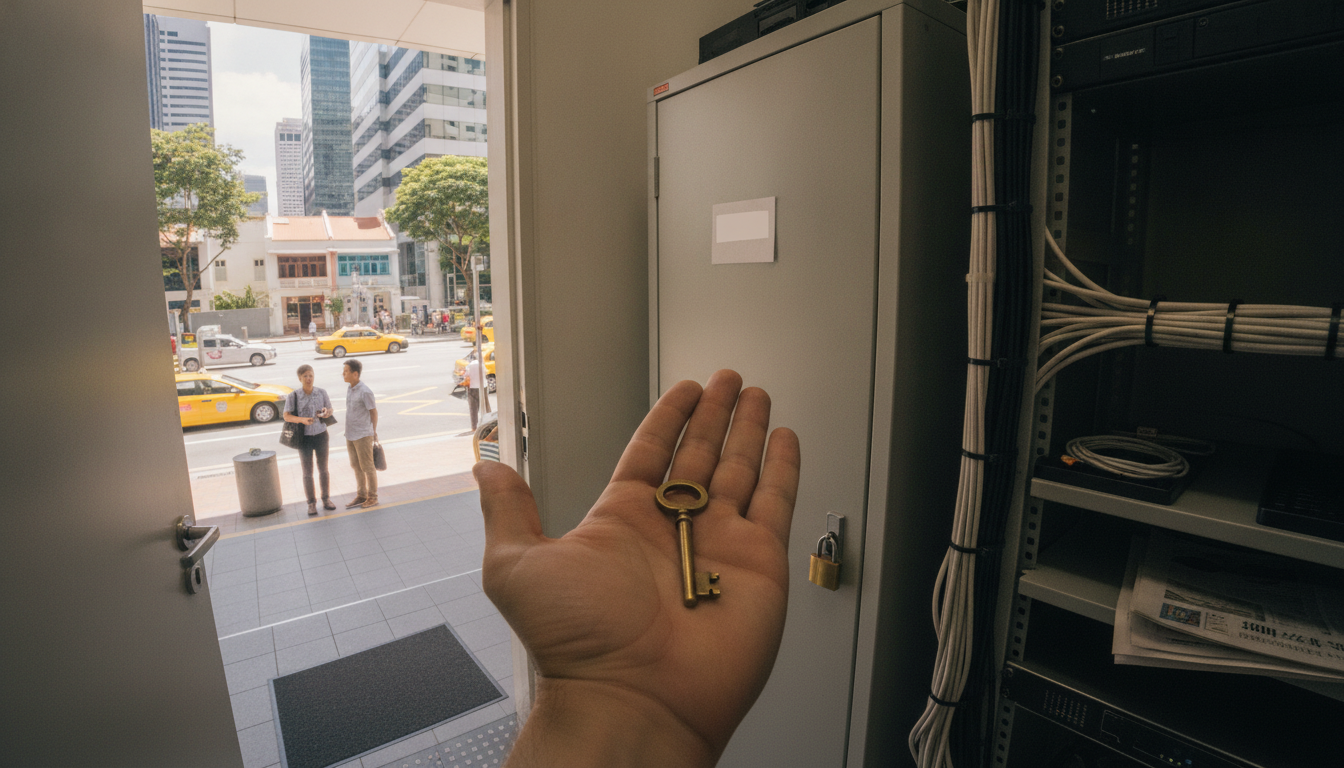
Think of a hotel. A guest gets a key card for one room, on one floor, for three nights. The master key never leaves the front desk, and no guest is insulted by that arrangement. Your assistant is the guest.
Where the server runs changes the mechanics. A local server speaks over stdio, which means the credential sits in a file on a machine you already control. For remote servers the MCP architecture documentation describes Streamable HTTP, built on HTTP POST with optional Server-Sent Events, protected by standard HTTP authentication, and it states that MCP recommends using OAuth to obtain authentication tokens. That matters for one very practical reason. A token your identity provider can revoke in ten seconds is a different kind of risk from a key somebody pasted into a config file two years ago and forgot.
Scoped access is not theory here. Among the 7 reference implementations in the official MCP servers repository is Filesystem, described there as providing "secure file operations with configurable access controls". Configurable access controls is the whole discipline in three words. The server decides which folders exist as far as the assistant is concerned, and no amount of persuasion gets the assistant past that line, because the line is not made of instructions.
Fair objection. A server holding credentials is still software that can be compromised, and moving a secret does not delete the risk of losing it. That is true, and it is why the ordinary disciplines still apply: one credential per server, least privilege on that credential, a rotation date, and no production keys on a laptop. What the design buys you is a smaller blast radius and a single place to look when you are worried.
Permissions are simply the tool list
This is the idea I wish every owner understood before signing anything. In an MCP setup there is no permissions screen. The architecture documentation defines tools as "executable functions that AI applications can invoke to perform actions", discovered through tools/list and invoked through tools/call, and an assistant can reach nothing that is absent from that list. Those calls travel over JSON-RPC 2.0, and the documented protocol version as I write this is 2026-07-28.
A tool list is a permission list written in a different font.
Three rules follow, and they have survived every design review I have sat in. Read tools ship first. Write tools ship second, after the read tools have been boring for a while. Anything that moves money or sends a message to a customer ships as two tools instead of one: a draft tool that prepares the action and shows it to a person, and a separate confirm tool that commits it.
The protocol supports the asking as well. Elicitation, listed in the documentation as a client primitive, "allows servers to request additional information from users … or ask for confirmation of an action". A human checkpoint is part of MCP itself, not something a developer has to invent from nothing.
Whenever I sit down with the tool list for one of our own servers, I read it aloud, one line at a time, and ask the same question of every entry. If this runs at three in the morning with nobody watching, what is the worst thing that happens? Usually the answer is fine. Sometimes it is not, and then that tool either leaves the list or becomes two tools. The review takes about an hour, and I have never once regretted the hour.
| Never ship a one-step send tool. A single tool that composes and sends in one call cannot be approved, only regretted. Split it into a draft tool and a confirm tool before the server goes anywhere near a customer list. |
The honest counterargument is that two-step confirmation slows the assistant down. It does. Approval costs seconds on every action and it irritates people in the first week. I will take the irritation, because the alternative is a system whose worst day has no ceiling on it.
Why loud failure beats a quiet success message
The third failure is the one almost nobody plans for, because it does not look like a failure. A tool runs. It returns nothing useful. The conversation moves on, the assistant reports that the task is done, and the invoice was never actually sent.
The design answer is unglamorous. Every tool returns either a result or an error that names the API it called and the status that came back. No silent success. No empty object standing in for an outcome.
We wrote that rule into Byline, the open-source MCP server my team uses to publish articles, as a stated principle: nothing fails silently, and every tool returns a result or an error naming the API and its HTTP status. The code is public on GitHub. I will defend it as the cheapest safety feature on this page, because it costs an afternoon of error handling and it turns invisible problems into visible ones.
What should I ask my developer before we switch this on?
Put these seven questions to whoever is building your server and insist on plain answers. Somebody who has done the work properly will answer all seven inside ten minutes. Somebody who cannot is telling you something useful.
- Where does each credential live, and can the assistant read it, or only the results of using it?
- Show me the full tool list. Which of these only read, and which can change something?
- Which tools move money, message customers, or delete records?
- For each of those, what are the two steps, and who is the human in the middle?
- What exactly do I see when a tool call fails at two in the morning?
- If we lose a token tonight, what do we revoke, and how long does that take?
- What can this assistant still not do, by design, even if somebody asks it nicely?
The last question is the interesting one. A good answer is a list. A weak answer is a sentence about the model being careful, because a careful model is not a control. Where money moves the approval question gets sharper still, and I worked through that case for finance and operations teams with invoices and reports as the example.
How do you know the guardrails are holding?
Three signs tell you. Every credential in the setup can be named and revoked by one person. Every tool that changes something has a human step, with a record of who approved what. And every failure in the last month appeared in a log before anybody complained about it. Those are the measures worth watching, rather than a count of incidents, which reads as zero right up until the day it does not.
Two habits are worth the calendar time. Re-read the tool list every time the server changes, because tools get added casually and removed rarely. And keep a short written record of what the assistant may do without asking, in language your accountant could follow.
My estimate, from our own delivery work rather than any benchmark, is that agreeing which actions need human approval takes one to two weeks of conversation, while building the server itself often takes days. Treat that as my opinion and not a measurement. It is also why the approval list is the first thing I ask about now, and the last thing I let anybody skip.
So here is the challenge, and it fits inside the next twenty-four hours. Open whichever AI assistant your team already uses, write out every tool it can call today, and put one word beside each one: read, or write. Send the write list to the person who owns that system with a single question attached. Who approves this? If the list is longer than you expected, you have found your week's work. If nobody in the company can produce the list at all, you have found something more urgent than that.
Frequently asked questions
Can an AI assistant see my API keys?
In a properly built MCP server, no. The server stores the credential and uses it on the assistant's behalf, so the assistant receives only the result of a tool call. Ask your developer to confirm that no key, password or token is ever returned inside a tool result, and that none is written into the conversation.
How do I stop an AI agent from sending something without approval?
Split the action into two tools. One drafts the message and shows it to a person, a second commits it, and the assistant cannot reach the second step alone. MCP also supports elicitation, a client primitive that lets a server ask the human to confirm an action before it happens.
Is a remote MCP server safe for business data?
It can be, with the same care any API deserves. The MCP architecture documentation describes remote servers using Streamable HTTP with standard HTTP authentication, and recommends OAuth for obtaining tokens. Prefer revocable tokens over long-lived keys, scope each one narrowly, and keep one credential per server rather than sharing.